In today’s world, ensuring the safety of your home and loved ones is a priority for many. The Ring app for Android offers a user-friendly solution for monitoring and enhancing your home security. This comprehensive guide will explore the features, benefits, and setup process of the Ring app, helping you decide if it’s the right choice for your smart home security needs.
What is the Ring App?
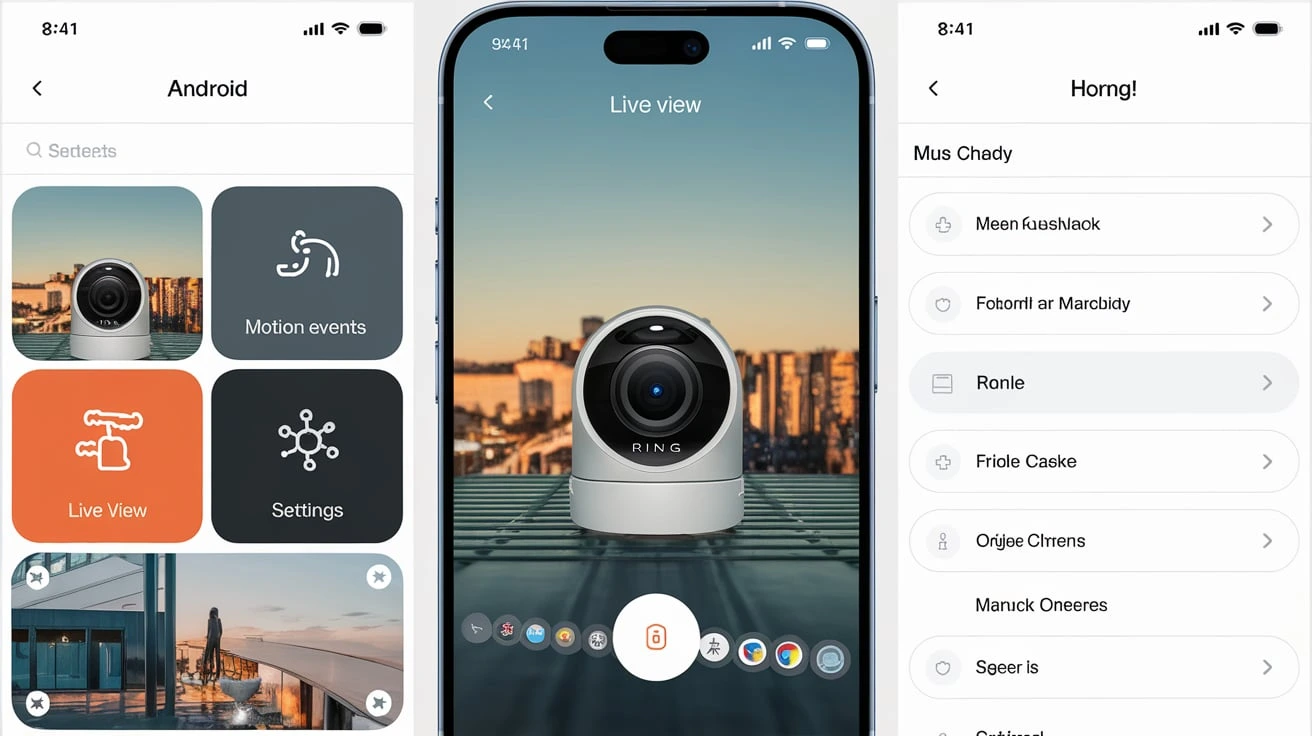
The Ring app for Android is a mobile application designed to work seamlessly with Ring’s security devices, such as video doorbells and cameras. It allows users to monitor their homes in real time, receive notifications, and communicate with visitors—all from their smartphones. The app’s intuitive design makes it accessible for all users, regardless of tech-savvy levels.
Key Features of the Ring App
Feature
Description
Video Monitoring
Real-time streaming and recording of video footage from Ring devices.
Two-Way Communication
Users can talk to visitors or delivery personnel through the app.
Motion Detection Alerts
Instant notifications when motion is detected in your monitored area.
Cloud Storage Options
Various subscription plans for storing video recordings securely.
Smart Home Integration
Compatibility with other smart home devices like Alexa and Google Home.
Why Choose the Ring App for Your Android Device?
A. User-Centric Design
The Ring app features an easy-to-navigate layout that makes it simple for users to access different functionalities without feeling overwhelmed.
B. Security Benefits
Utilizing home security apps like Ring can significantly deter potential intruders, providing peace of mind for homeowners.
C. Compatibility
Unlike many other doorbell apps for Android, the Ring app integrates smoothly with a wide range of devices, making it a versatile choice for various smart home setups.
Setting Up the Ring App on Your Android Device
Setting up the Ring app is straightforward. Here’s how you can get started:
Download and Install: Go to the Google Play Store, search for the “Ring app,” and install it on your Android device.
Create an Account: Open the app and sign up for a new account or log in if you already have one.
Connect Your Devices: Follow the in-app instructions to add your Ring devices. Ensure they are powered on and within range of your Wi-Fi network.
Configure Settings: Customize your notification preferences, motion settings, and any other configurations you’d like.
Troubleshoot: If you encounter any issues, the app provides troubleshooting tips and guides.
Comparisons with Other Security Apps
When evaluating your options, consider how the Ring app compares to its competitors. Below is a table highlighting the key differences:
App Name
Key Features
Pros
Cons
Ring
Video monitoring, cloud storage, alerts
User-friendly, extensive features
Subscription required for storage
Arlo
4K video, advanced night vision
High video quality
Higher cost for devices
Nest
Smart home integration, thermostat control
Comprehensive smart ecosystem
Limited compatibility with non-Google devices
User Experiences and Reviews
User feedback is crucial in assessing the performance of the Ring app for Android. Many users appreciate the app’s reliability and ease of use, particularly its video monitoring features. However, some have noted issues with connectivity and the need for a subscription for cloud storage, highlighting the balance between functionality and cost.
Conclusion
In summary, the Ring app for Android is a robust tool for enhancing your home security. With its array of features, user-friendly interface, and integration capabilities, it stands out in the crowded market of smart home apps. Whether you’re considering installing a video doorbell or a full security system, the Ring app can be an invaluable addition to your home security strategy.
FAQs about the Ring App for Android
Is the Ring app free?
The app is free to download, but additional features, such as cloud storage for video recordings, require a subscription.
Can I use the Ring app without a Ring device?
The app is primarily designed to work with Ring devices, so its functionality is limited without them.
How does the motion detection feature work?
The Ring app utilizes built-in sensors on the Ring devices to detect movement, sending notifications directly to your Android device.
Meet Herry White, the passionate tech enthusiast and driving force behind FreeAppsForYou.com. With a deep-rooted love for all things mobile apps, Herry’s journey began in the school days when he first laid hands on a smartphone. From that moment on, he was captivated by the endless possibilities that these pocket-sized wonders offered.