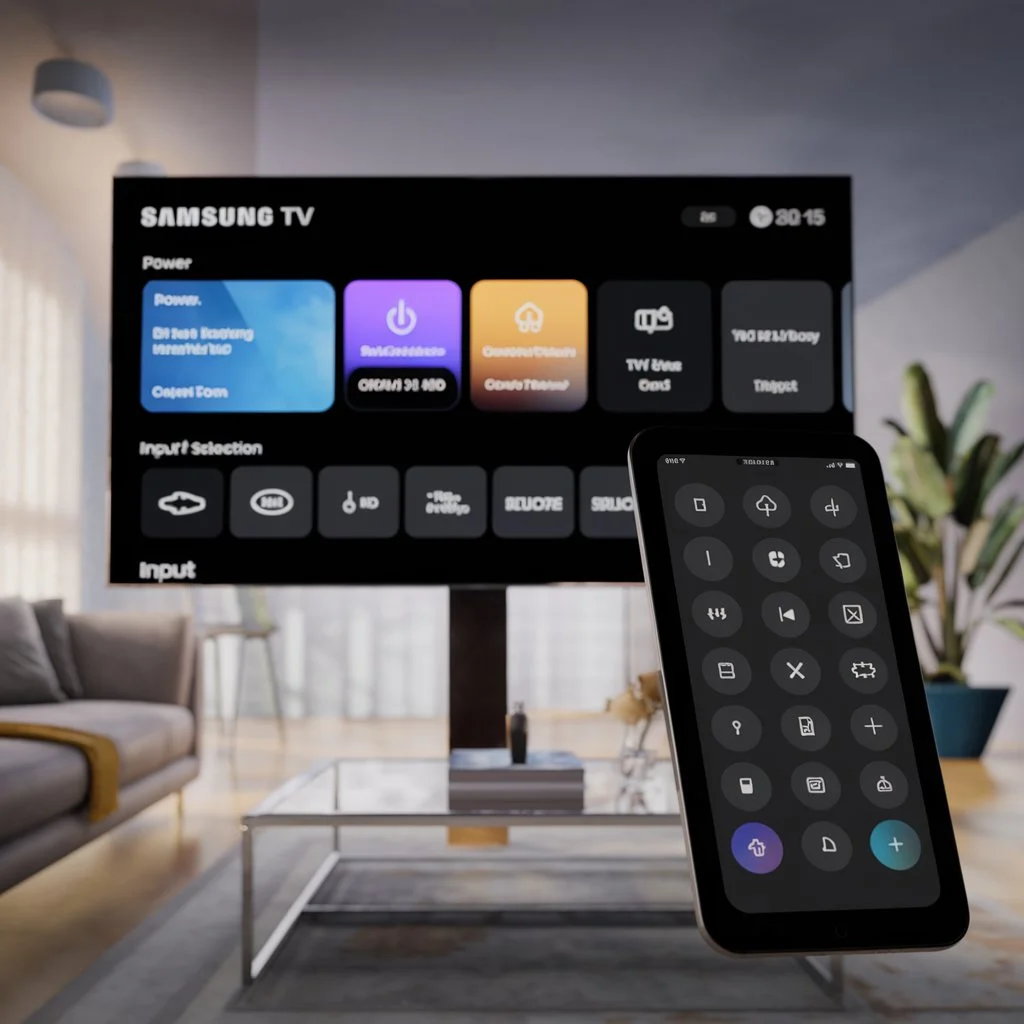
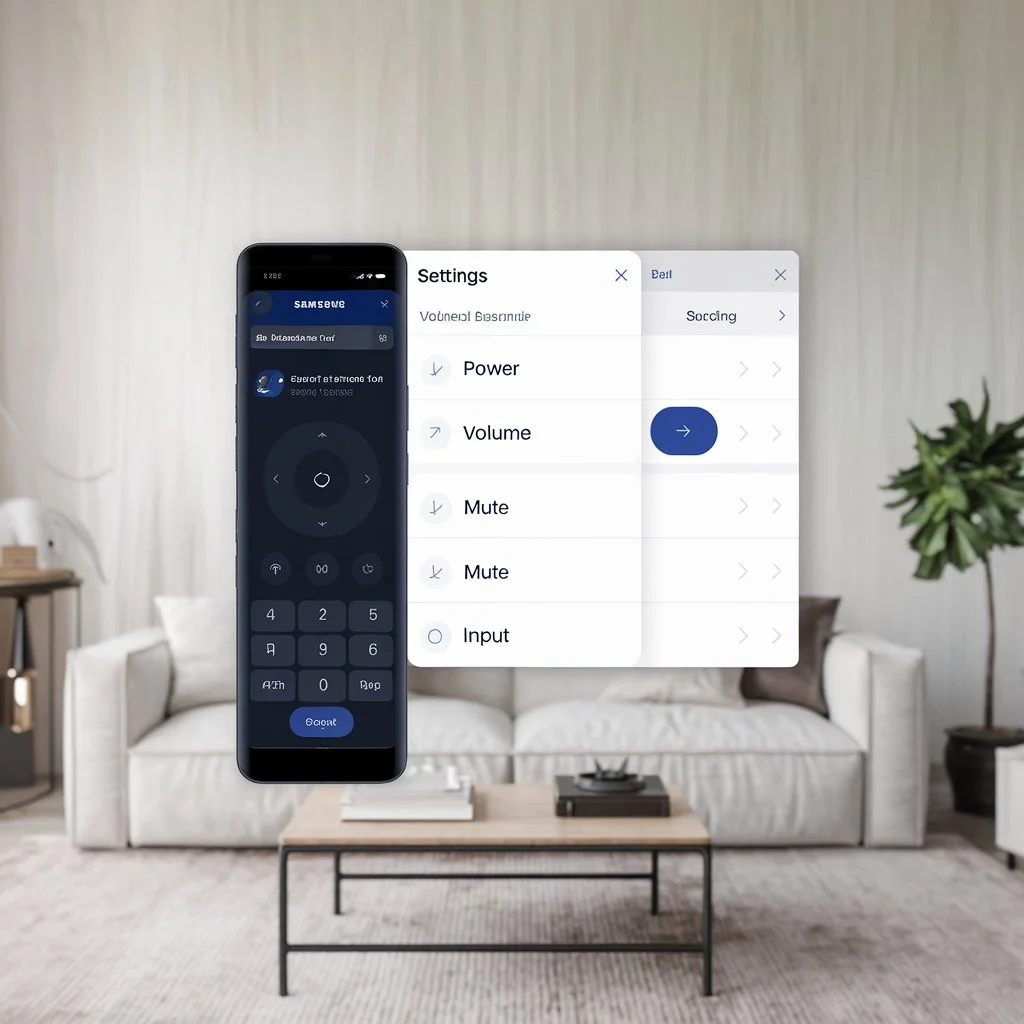
The Samsung TV remote app allows users to control their Samsung TVs directly from their smartphones, providing a convenient alternative to traditional remotes. This app is especially useful for those who want to manage their TV settings without needing to hunt for the physical remote. With features that include basic controls, advanced functionalities, and seamless integration with other smart devices, the Samsung TV remote app has become a staple for modern viewers.
Content
Understanding the Samsung TV Remote App
The Samsung TV remote app serves as a versatile application that transforms your smart phone into a remote control for your Samsung TV. Available for both iOS and Android devices, it allows users to manage their TVs from anywhere in their homes. By utilizing the app, users can easily navigate menus, change channels, and adjust settings without the need to reach for the physical remote.
Essential Features of the Samsung TV Remote App
Basic Functions
The Samsung TV Control App provides essential TV controls, ensuring a seamless viewing experience. Key functionalities include:
Power Control: Turn your TV on or off with a single tap.
Volume Adjustment: Change the volume easily using on-screen buttons or swipe gestures.
Channel Switching: Navigate through channels effortlessly with the app’s interface.
Mute Functionality: Quickly mute the TV audio with a dedicated button.
Advanced Functionalities
In addition to basic controls, the Samsung TV remote app offers a range of advanced features:
Voice Control Integration: Use voice commands to change channels or adjust settings.
Smart Hub Access: Navigate through streaming apps like Netflix and YouTube directly from your phone.
Touchpad Navigation: Control an on-screen cursor for easy web browsing on your TV.
Table 1: Key Features of the Samsung TV Remote App
Feature
Description
Power Control
Turn TV on/off with a tap
Volume Adjustment
Change volume via buttons or swipe gestures
Channel Switching
Navigate channels effortlessly
Voice Control
Use voice commands for hands-free operation
Smart Hub Access
Direct access to streaming services
Setting Up the Samsung TV Remote App
Downloading the App
To commence your journey, download the Samsung TV App for iPhone/Android from the App Store or Google Play.
Connecting to Your Samsung TV
Ensure that both your smartphone and Samsung TV are connected to the same Wi-Fi network. The app should automatically detect your TV.
Troubleshooting Connection Issues
In the event of issues, check your network settings. A stable Wifi connection is essential for seamless control. Users often search for solutions using the keyword Samsung TV Remote Not Working.
Table 2: Troubleshooting Common Connection Issues
Issue
Solution
TV Not Detected
Ensure both devices are on the same Wi-Fi network
App Crashes
Restart the app and your smartphone
Unresponsive Controls
Check for app updates and restart the TV
Analyzing Alternatives to the Samsung TV Remote App
While the Samsung TV remote app is robust, users often ponder how it compares to other available options.
Advantages of Using Samsung’s Official App
The official app offers superior compatibility and features tailored specifically for Samsung TVs.
Overview of Alternative Apps
Other popular applications, such as Control Meister and Any Mote, provide additional features but may lack the specialized functionalities found in Samsung’s app.
Enhancing Your Experience with the Samsung TV Remote App
Customizing the App Interface
Adjust the layout and button functions within the app for easier access to frequently used controls.
Utilizing Voice Control Effectively
Maximize the use of voice commands to simplify navigation and control, enhancing your viewing experience.
Managing Smart Home Devices with Smart Things
The Samsung Smartthings App integrates well with the remote app, allowing users to manage various Samsung smart devices from a single interface.
Concluding Thoughts
The Samsung TV remote app not only replicates the functionality of a physical remote but enhances the user experience with its advanced features. By mastering the app’s capabilities, users can enjoy a more convenient and efficient way to interact with their Samsung TVs.
Frequently Asked Questions
What is the best Samsung remote app?
The Samsung TV remote app is often considered the best due to its integration with Samsung devices and user-friendly interface.
How do I fix my Samsung remote app?
Common fixes include ensuring both devices are on the same Wi-Fi network and restarting the app.
Can I use my phone as a Samsung TV remote?
Yes, by downloading the Samsung TV Control App, you can control your TV from your phone.
What should I do if my Samsung TV doesn’t connect to the remote app?
Check your Wifi connection and ensure that both your TV and phone are updated to the latest software versions.
Meet Herry White, the passionate tech enthusiast and driving force behind FreeAppsForYou.com. With a deep-rooted love for all things mobile apps, Herry’s journey began in the school days when he first laid hands on a smartphone. From that moment on, he was captivated by the endless possibilities that these pocket-sized wonders offered.