How to Develop an iOS App? Are you looking to develop an iOS app but unsure where to start? This guide provides a step-by-step approach to iOS app development, covering everything from planning to post-launch optimization. With the growing demand for mobile applications, now is the perfect time to dive into this exciting field.
Content
How to Develop an iOS App Understanding
What is iOS App Development?
iOS app development refers to the process of creating applications for Apple’s iOS operating system. This involves understanding both the technical aspects and the user experience that drives successful app engagement. With millions of users accessing apps on iPhones and iPads, developing for iOS presents significant market potential.
The Importance of Learning Swift
Swift is the primary programming language used for iOS app development. Known for its efficiency and modern syntax, Swift enables developers to create fast and secure applications. Understanding Swift is crucial for anyone looking to build an app on the iOS platform.
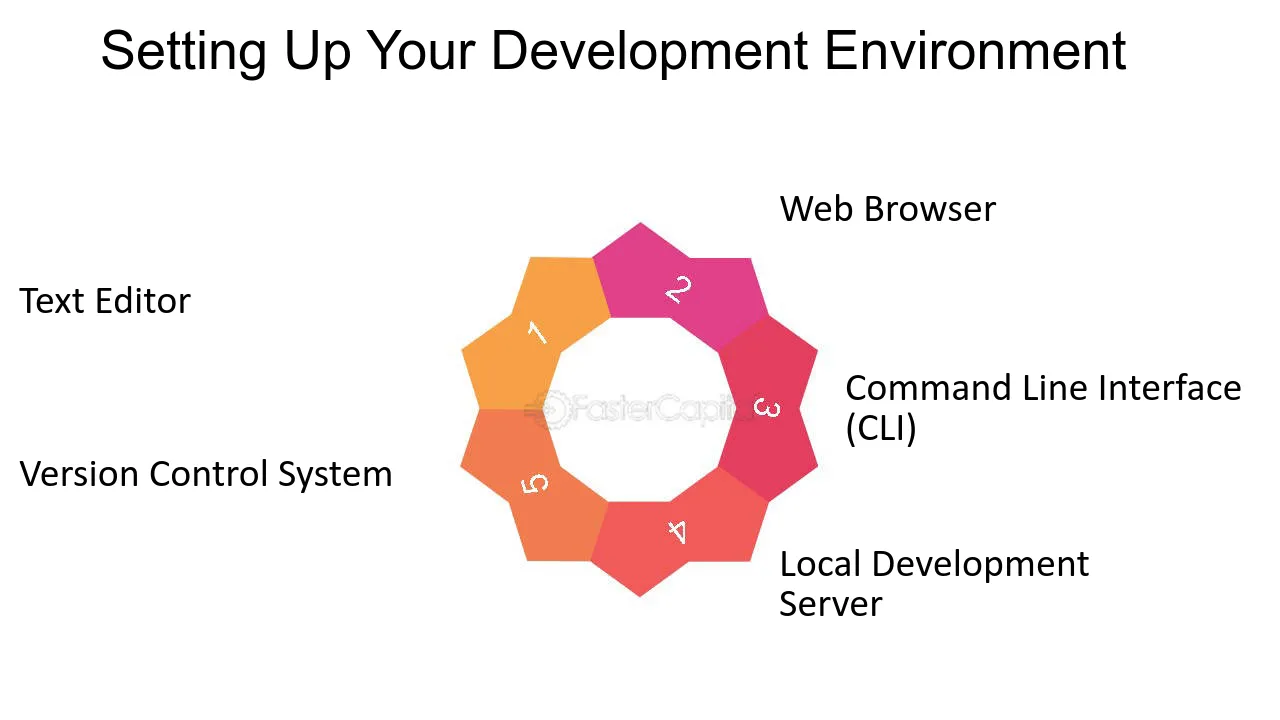
Setting Up Your Development Environment
Installing Xcode
How to Develop an iOS App? To get started, you need to install Xcode, Apple’s official integrated development environment (IDE). Here’s how to do it:
Download Xcode from the Mac App Store.
Open Xcode and familiarize yourself with its features, including code editing, debugging, and testing tools.
Using Interface Builder
Interface Builder is a visual tool within Xcode that allows you to design your app’s user interface without extensive coding. It’s essential for building an intuitive user experience.
Planning Your App
Defining the App’s Purpose and Features
Before you start coding, it’s vital to outline the app’s purpose. Identify the problem your app will solve and list its core features. This planning stage will guide your development process.
Feature
Description
User Authentication
Allows users to create accounts and log in.
Push Notifications
Sends alerts to users for updates.
In-App Purchases
Offers users the ability to buy premium features.
Creating Wireframes and Mockups
Tools like Sketch or Figma can help you create wireframes and mockups. This visual representation will assist in designing the app layout and improving user experience.
Developing Your iOS App
Writing Code in Swift
Now, it’s time to dive into coding. Familiarize yourself with essential Swift concepts such as variables, data types, and functions. Start with simple features and gradually move to more complex functionalities.
Implementing Core Features
Begin implementing essential app functionalities. For instance, integrating user authentication can provide a secure login experience.
Debugging and Testing Your App
Utilize Xcode’s debugging tools to test your app. Regular testing will help identify and fix issues early in the development process.
Testing Phase
Objective
Unit Testing
Test individual components of your app.
Integration Testing
Ensure components work together as intended.
User Acceptance Testing
Gather feedback from real users.
Optimizing Your App for the App Store
App Store Optimization (ASO) Basics
ASO is crucial for increasing your app’s visibility in the App Store. It involves optimizing various elements of your app’s metadata, including the app title, subtitle, and description.
Choosing the Right Keywords
Conduct thorough keyword research to identify relevant keywords with high search volumes. Use tools like Sensor Tower or AppTweak to analyze keyword effectiveness.
Marketing Your App
https://freeappsforyou.com/journal-apps-on-ios-17/Develop a marketing strategy to promote your app. Utilize social media, blogs, and forums to create buzz around your app pre-launch.
Post-Launch: Monitoring and Updates
Analyzing User Feedback and App Performance
After launching your app, it’s vital to analyze user feedback. Use tools like Google Analytics or Firebase to track app performance and user behavior.
Updating Your App Regularly
Regular updates are essential for maintaining app functionality and relevance. Listen to user feedback to determine what features to improve or add.
Conclusion
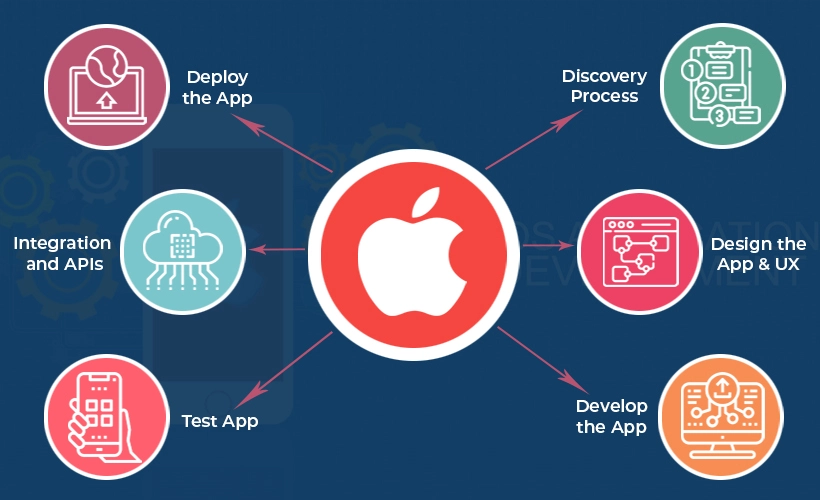
In conclusion, developing an iOS app involves understanding the iOS app development process, setting up your environment, planning and coding your app, optimizing for the App Store, and continuously monitoring its performance. Start your journey into iOS app development today and unlock the potential of mobile applications!
Meet Herry White, the passionate tech enthusiast and driving force behind FreeAppsForYou.com. With a deep-rooted love for all things mobile apps, Herry’s journey began in the school days when he first laid hands on a smartphone. From that moment on, he was captivated by the endless possibilities that these pocket-sized wonders offered.